The Best Office Furniture for Back Pain Relief
Published on June 24, 2026
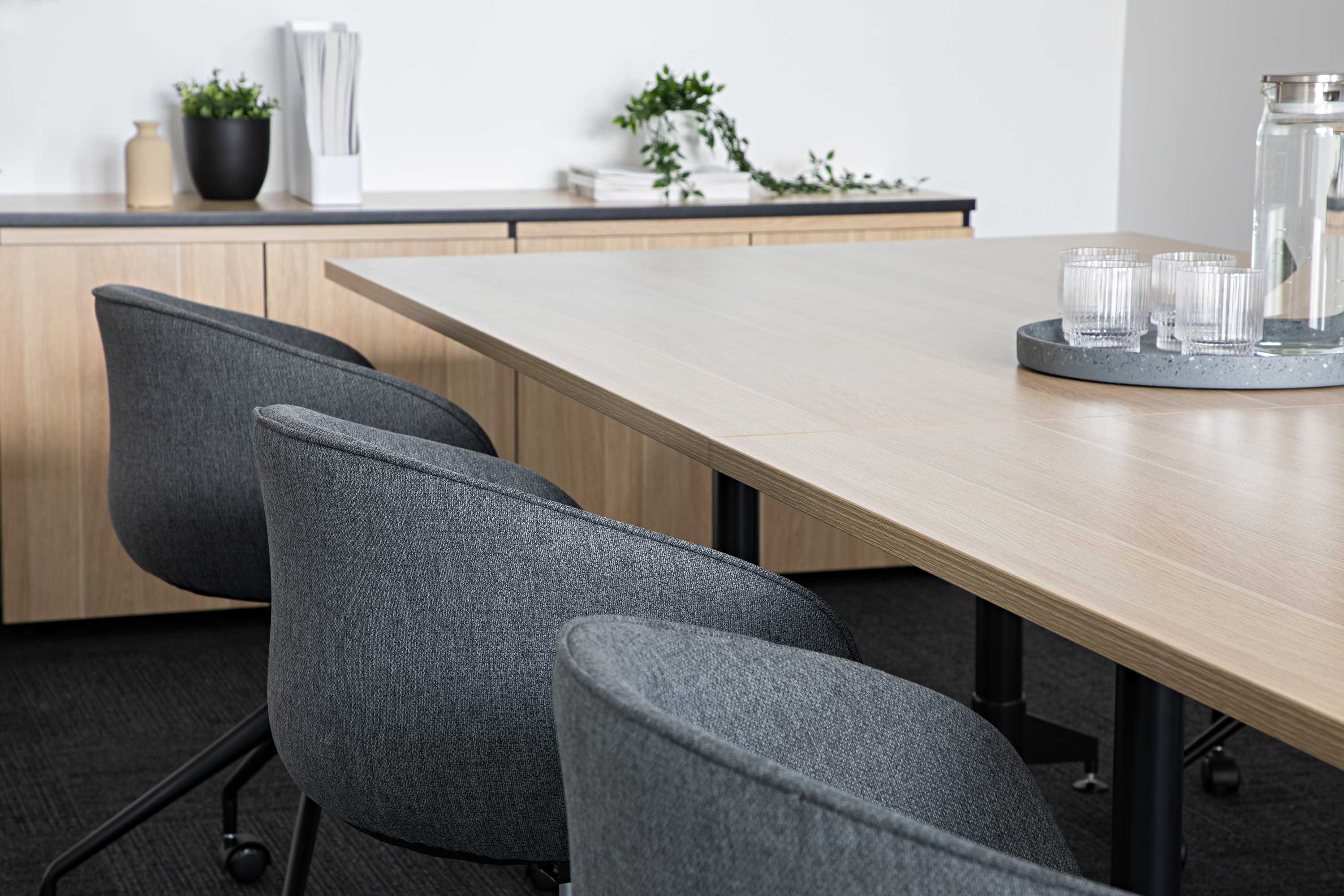
If your lower back aches at work, start with an adjustable chair that supports your lumbar curve, then add movement with a sit-stand desk so you are not locked in one posture for eight hours. Furniture will not replace medical care, but the wrong chair is a very common aggravating factor.
This guide covers the chair features that matter most, and how a height-adjustable desk fits in.
Why Does Sitting Cause Back Pain?
Poor seating primarily impacts three areas: the lower back (lumbar region), the upper back and shoulders, and the neck.
When you sit in a standard, rigid chair, the natural S-shaped curve of your spine is forced to flatten out. This creates a slumping or perching posture that increases load through the lumbar spine. Without adequate support, your lower back muscles remain in a state of constant tension to maintain your posture.
Key Features to Look for in a Chair for Back Pain
Not all "ergonomic" chairs are created equal when it comes to back pain. To effectively address the issue, your chair must have the following specific features:
1. Dynamic and Adjustable Lumbar Support
Lower back support is the defining feature that separates average seating from a pain-relieving chair. The lumbar support must be adjustable in both height and firmness (depth). This allows you to position the support exactly where your spine needs it. Advanced chairs feature dynamic backrests that maintain this support even as you shift your posture throughout the day.
2. Seat Pan Depth Adjustment
A chair that is too deep will hit the back of your knees, cutting off circulation and forcing you to slide forward, immediately compromising your lumbar support. A chair with a seat slider allows you to leave a gap between the seat edge and your knees, so you can sit fully back against the lumbar pad.
3. High-Density Foam or Suspension Mesh
For those with sciatica or tailbone pain, the seat cushion is vital. High-density molded foam distributes your weight more evenly. Alternatively, high-quality suspension mesh provides a hammock-like feel that adapts to small movements.
4. Synchro-Tilt Mechanisms
Staying in one static position all day is hard on the back. A synchro-tilt mechanism allows the backrest to recline at a faster rate than the seat pan. This opens up your hip angle and relieves pressure on your spinal discs while keeping your feet flat on the floor.
Beyond the Chair: The Sit-Stand Solution
A highly adjustable chair is your first line of defense, but bodies were not designed to sit for eight hours straight.
Integrating a height-adjustable sit-stand desk is a proven way to break up sitting. In the CDC-published Take-a-Stand Project, using a sit-stand device reduced upper back and neck pain by 54% while it was in use (Pronk et al., 2012).
The useful approach is not to stand all day, which can cause leg fatigue, but to alternate. Changing posture every 45 to 60 minutes changes the load-bearing joints and gives the back a break.
Frequently Asked Questions
What is the best type of office chair for lower back pain?
A highly adjustable ergonomic chair with independent lumbar height and depth adjustment, a seat depth slider, and a synchro-tilt recline mechanism.
Are gaming chairs good for back pain?
Generally, no. Many gaming chairs use bucket seats and fixed lumbar pillows that push the shoulders forward. A dedicated ergonomic office chair is the safer workplace choice.
Is it worth spending more on a premium ergonomic chair?
If you sit for more than four hours a day, yes. You are paying for adjustment range, commercial warranty, and a chair that can be set to your body rather than a fixed shape.
Conclusion
When addressing back pain, do not compromise on the chair, and do not stay in one posture all day. Focus on adjustable lumbar support and pair it with a sit-stand desk if you can.
Browse office chairs and height-adjustable desks, or contact us if you need help specifying a setup.
Sources
Planning an office upgrade?
Get tailored advice on chairs, desks, storage, and full workspace fit-outs from the Iconic team.